When The Last of Us Part II launched in June 2020, Naughty Dog documented more than 60 accessibility settings: text-to-speech for menus, high-contrast modes, audio cues for interactables, customizable controls, hold-to-toggle conversion for every press, and difficulty granularity that separated combat, traversal and puzzle challenges into independent dials. It was not the first accessible game, but it was the moment the industry's benchmark moved — per the studio's own feature list, and per the accessibility awards and consulting community that had spent a decade asking for exactly this.
Six years on, the landscape has changed shape. Accessibility menus are now standard in major releases, specialist consultants like AbleGamers contribute during development rather than after, and the debate has shifted from 'should games ship these options' to which studios design for disabled players from the first prototype and which bolt the menu on at the end.
What does good accessibility actually look like?
The craft has consolidated into recognizable categories, each addressing a distinct need:
- Vision. Screen-reader support for menus and text, high-contrast and colorblind palettes that encode information with shape or pattern rather than hue alone, scalable UI, and audio cues replacing visual callouts. God of War Ragnarok's audio-described cinematics and its high-contrast mode extended the TLOU2 standard.
- Hearing. Directional subtitles that identify speakers and off-screen sound sources, visual indicators for audio events, and no gameplay information gated solely behind sound. Fortnite's and Valorant's visual sound indicators are the competitive-facing examples.
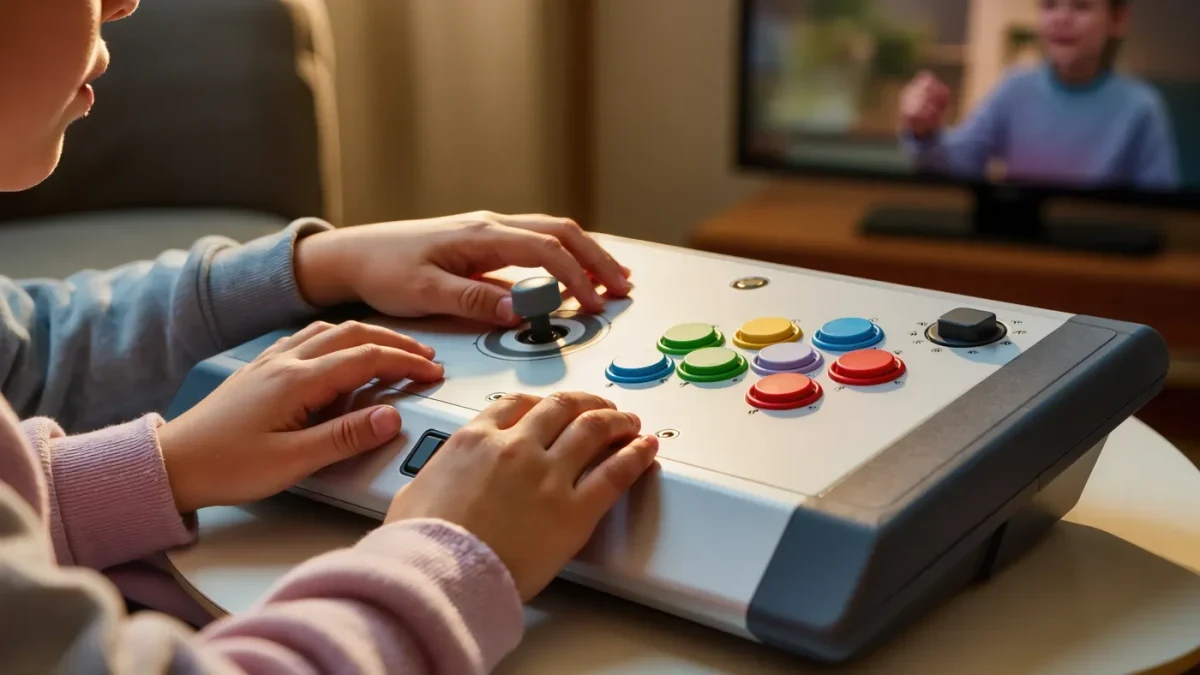
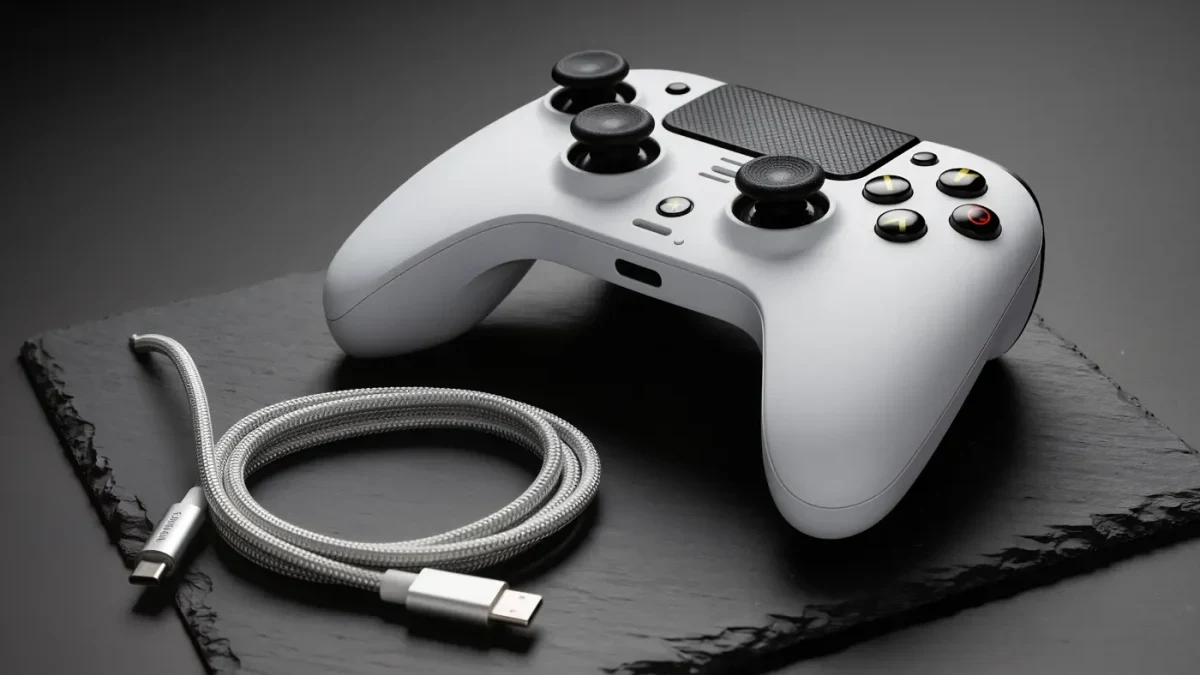
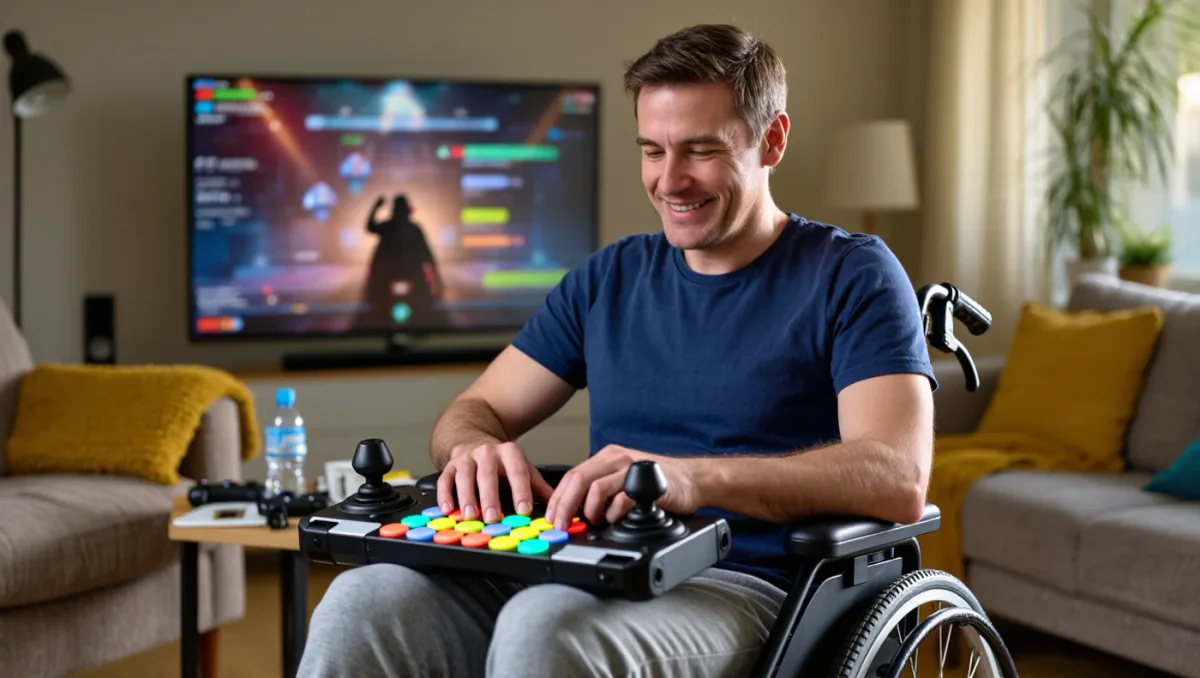
- Mobility. Full button remapping including stick clicks, hold-to-toggle conversions, aim and movement assist sliders, one-handed and co-pilot input configurations, and platform support like the Xbox Adaptive Controller (2018) and PlayStation's Access controller (2023) — first-party hardware built around external switches and mounted inputs.
- Cognition. Readable tutorials, no-fail modes, navigation assist, objective markers, reduced-motion settings, and difficulty as granular systems rather than a single gate. Celeste's assist mode became the reference argument: an optional menu that reframes the game's challenge without shaming anyone for using it.
Why did the difficulty debate matter so much?
The 2018-2020 argument over difficulty — sparked in large part by Sekiro's refusal to ship difficulty options — forced the community to articulate what the accessibility movement had been saying for years: challenge and accessibility are related but distinct demands. A disabled player asking for hold-to-toggle is not asking for an easier game; they are asking to play the same game with different inputs. Granular difficulty like TLOU2's splits the difference structurally — every subsystem can be tuned separately, so a player with limited hand mobility keeps full combat challenge while removing a traversal barrier, and a player who wants the hardest combat can still have it.
The counter-argument, that universal options dilute authored experience, has lost ground to evidence: Sekiro itself added an assist mode in updates for its Chinese and Japanese editions with a tunable difficulty feature, sales records continued across accessible blockbusters, and no major release has marketed itself on inaccessible design since.
What is the state of play in 2026?
The leaders are consistent: Naughty Dog, Insomniac, Santa Monica Studio and a short list of others treat accessibility as a design pillar with named staff and consultant partnerships from preproduction. Microsoft's Gaming for Everyone and Sony's first-party guidelines institutionalize audits. Meanwhile the gaps are equally visible: indie and mid-budget releases — the majority of games shipped — frequently lack screen-reader support, whose implementation cost remains the most-cited barrier, and legacy genre conventions like motion-heavy QTEs and color-coded puzzles persist across the industry's long tail.
The hardware layer, once the biggest wall, is now the model story. Where specialized input once meant bespoke engineering, the Adaptive Controller and Access controller created mounting ecosystems that third parties now extend, and the used market has begun carrying them — an accessibility-failure mode that used to be permanent now has an upgrade path.
How should a player evaluate accessibility before buying?
- Check the options list, not the marketing. Feature checklists in reviews and community-maintained accessibility databases catalog what actually ships, including whether remapping covers every button and whether subtitles carry speaker names.
- Test within the refund window. Menus reveal claims; play tests reveal whether assists are granular or presentational. Two hours of hands-on time answers what no feature list can.
- Ask the specific question you have. The accessibility community's streams, forums and consultants answer granular questions — 'can this be played one-handed', 'does the photo mode pause motion' — faster than any publisher FAQ.
Worth understanding too is why screen-reader support keeps lagging. Every other feature in this piece is a variation on rendering the game differently; a screen reader requires the engine to expose its interface as structured text, which touches code written long before the feature was funded. Studios that build with UI frameworks exposing that data from the start — increasingly the norm in first-party engines — ship it as a settings row. Studios on older pipelines face a refactor, which is why the feature clusters in new releases and stays rare in ports. When you see it in a smaller game, it is a genuine signal about how that studio builds everything else.
Verdict: accessibility moved in six years from charity framing to standard craft, with TLOU2's 60-plus-feature menu as the visible turning point and first-party controllers as the hardware proof. Buy from studios that design it in, refund the ones that bolt it on, and treat 'does it have an assist menu' the way you treat frame-rate claims: as a basic spec, not a bonus. The remaining frontier is the mid-budget tier — and that is a purchasing decision the market will settle, one refund at a time.