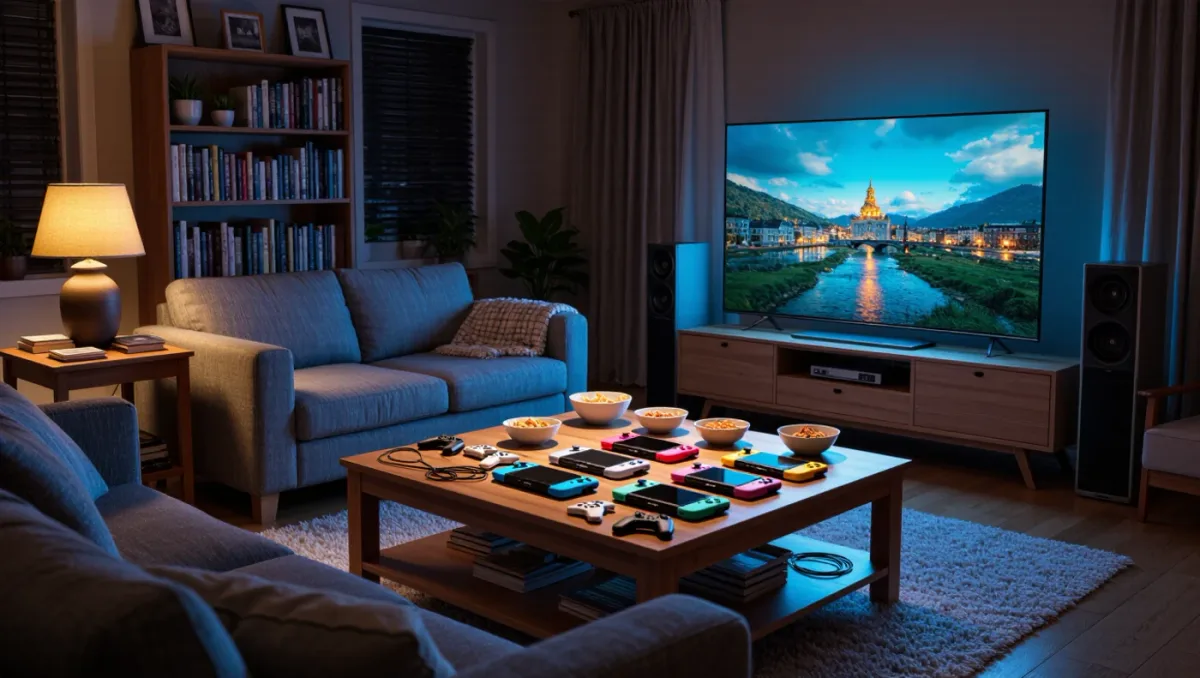
The most family-friendly feature of the Switch 2 costs nothing extra and arrived with almost no fanfare. GameShare, announced during Nintendo's April 2, 2025 Direct and launched with the console on June 5, 2025, lets a single Switch 2 stream one copy of a supported game to up to three other nearby systems — and per Nintendo's documentation, those receiving consoles can be original Switch units, not just Switch 2 hardware. For households that own one new console and a drawer of old ones, that converts a $69.99 multiplayer purchase into a four-player evening without four copies.
How does GameShare actually work?
One console hosts, the others receive. The Switch 2 owner opens a GameShare-compatible title, selects the GameShare option from the game's menu, and nearby consoles join through local wireless — no internet subscription is required for the local session, per Nintendo's support pages. The host's console runs the game and streams each player's view; the receivers send inputs back. Because the original Switch has a smaller 720p screen and no Switch 2 processing, the hosted stream runs at lower resolution and frame rate on original Switch receivers than on Switch 2 ones — Nintendo's own materials note the feature is best experienced on matching hardware, but it does function across generations, which is the entire point.
Which games support GameShare?
The launch set was modest and grew through 2025 and 2026 as publishers patched support in. Nintendo's first-party launch group included Big Brain Academy-style party content and Super Mario Odyssey's local co-op update arriving with the Switch 2 edition, and third-party adopters followed with family titles — the pattern, per Nintendo's published GameShare list, skews heavily toward party, co-op and puzzle games rather than competitive shooters. The practical rule: GameShare support is per-game, decided by the developer, and listed on the game's box and store page. A multiplayer game without the GameShare tag still requires each player to own a copy, exactly as on the original Switch.
What are the real-world limits?
Three constraints decide whether a GameShare night works. Distance: local wireless means the consoles must stay in the same room — this is a living-room and kitchen-table feature, not a cross-town one. Performance: the host carries the whole load, so a demanding game streamed to three receivers can drop the host's own frame rate; Nintendo's guidance positions GameShare for lighter titles. And input hardware: a receiving original Switch player uses that console's controls, so Joy-Con drift on the old unit becomes everyone's problem. Chargers matter more than expected — four consoles playing for three hours will empty four batteries that started full.
How does this compare to plain local wireless play?
The original Switch's download play existed in a handful of titles, but the Switch 2 formalizes local multiplayer into two layers. The first is GameShare for one-copy streaming. The second is the classic local wireless mode, where each console runs its own copy of the game and up to eight systems link for games like Mario Kart World, per Nintendo's specifications. The layers solve different problems: eight friends with eight copies get the full experience; four players with one copy get GameShare's convenience at reduced fidelity. Check which mode a game supports before planning a session around it.
What about GameChat — is that the same thing?
No, and the confusion is common. GameChat is the Switch 2's online voice and screen-sharing layer, opened with the new C button; it requires a Nintendo Switch Online membership and an internet connection per Nintendo's announcement, and it lets online friends talk and watch each other's screens while playing separate copies. GameShare is its offline opposite: no subscription, no internet, one copy, same room. They can complement each other — a GameChat group can include players in the same room — but neither replaces the other. For local multiplayer, the subscription question never comes up; that is GameShare's quiet advantage over every online alternative.
Does GameShare change how families buy games?
Slightly, and in a direction worth noticing. Before deciding between two party games, the GameShare tag now matters as much as review scores: a title four people can play on one copy costs roughly $17.50 per player, while a four-copy multiplayer game costs $280 at launch prices. Retailers and Nintendo's store both mark GameShare compatibility clearly, and community lists tracking supported titles have grown steadily since launch. The counterweight: GameShare's performance ceiling means it will never cover the games families most want to share at full quality — demanding 3D titles will stay copy-per-player — so think of it as a parallel catalog of lighter games rather than a universal discount. For a household with mixed Switch generations, checking the tag first is now standard buying hygiene.
Practical setup for a four-player night
The sequence that works: update every console involved beforehand, since mismatched firmware is the top cause of failed joins; position consoles within a few meters of the host; start GameShare from the host and join from the receivers' home menus; then let the host hand receivers their control layouts — each receiver picks a character and control scheme from within the game. Keep a 30 W or better USB-C charger on the host console, which does the heavy lifting and drains fastest. If a receiver drops mid-session, the game pauses on that player and rejoins from the console's menu without ending the session.
Verdict: GameShare is a genuine household feature, not a gimmick — for families with one new console and older Switch hardware in a drawer, it is the cheapest four-player upgrade in gaming. Check the GameShare tag before buying, keep expectations modest on demanding titles, and one copy really does become four.