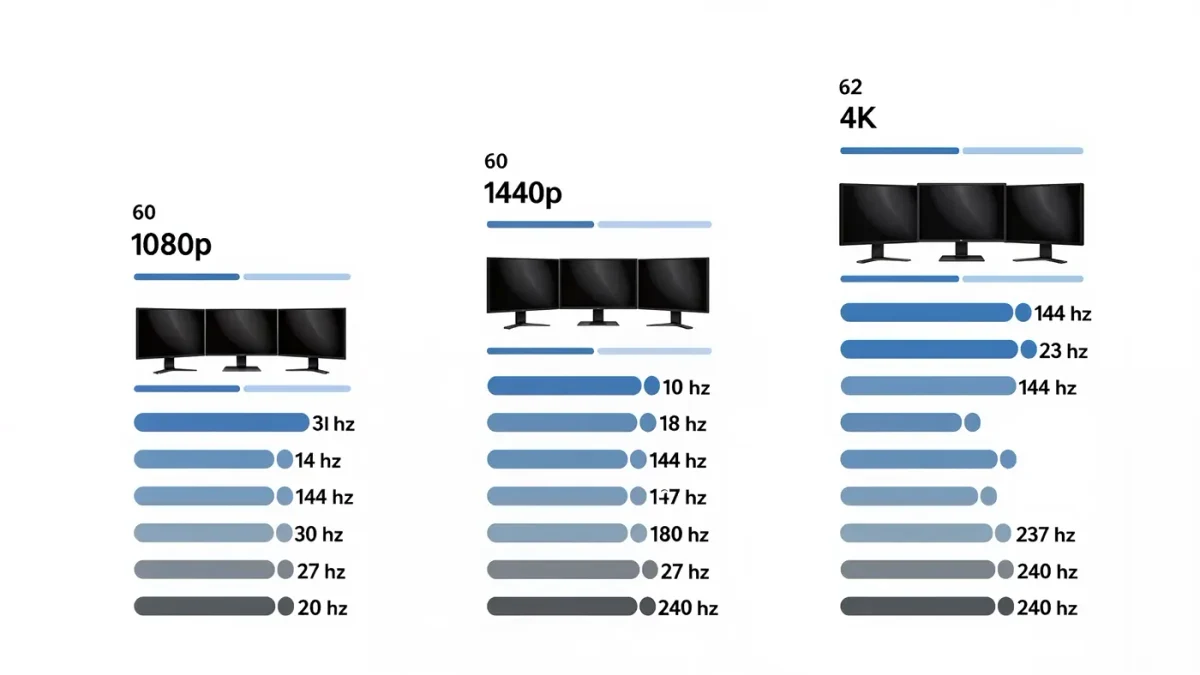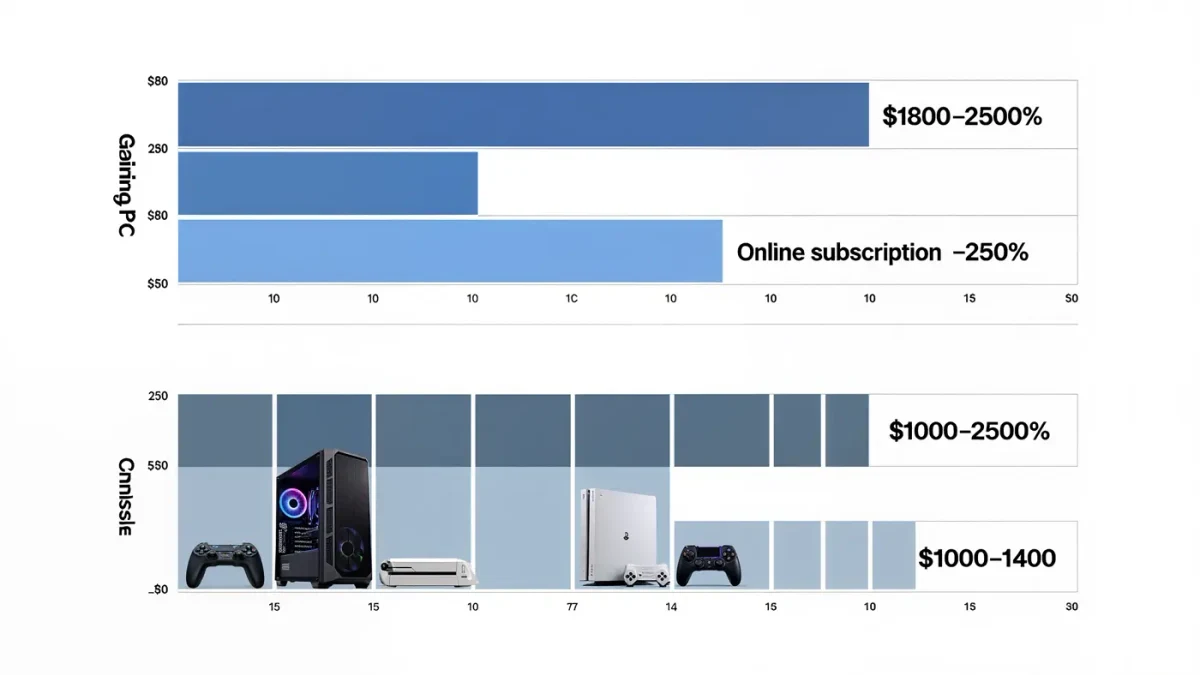
Four years ago, 4K at 144 Hz was a flex; in 2026 it is the default configuration of the high-end monitor market. Per retailer listings, 27-inch 4K 144-plus panels now start near $450-550 in fast IPS form, OLED variants sit near $900, and every major brand fields multiple models per ASUS, LG, MSI and Samsung product pages. The spec has become affordable faster than the hardware driving it has — which is precisely why the honest question is no longer 'can I buy 4K 144?' but 'can anything I own actually feed it, and is it the right panel for my desk?' The answers sort buyers into three groups, and two of them should not be shopping for this monitor at all.
What does it take to actually run 4K at high frame rates?
The numbers are unforgiving at native resolution. A 4K frame is 8.3 million pixels — four times 1440p's load — and per GPU vendor benchmarks published by AMD and NVIDIA, modern flagship-class cards (RTX 5080/5090 tiers on the green side, RX 9070 XT tiers on the red) deliver native 4K competitive frame rates only in esports-tier titles; AAA releases at 4K native commonly land in the 50-80 fps range on cards below the flagship tier, per the vendors' own published game benchmarks. Upscaling changes the equation: DLSS 4 and FSR 4 reconstruct 4K from 1440p-class internal renders well enough that the frame-rate ceiling rises 50-100 percent in supporting titles, per NVIDIA's and AMD's published performance claims. The working rule: to use a 4K 144 panel as designed, you want a current upper-tier GPU, or a tolerance for upscaling in the games that need it.
What do consoles get out of this monitor?
Less than the spec implies, with one exception. A PS5 or Xbox Series X outputs 4K 120 over HDMI 2.1, and in the titles with 120 fps modes — mostly competitive shooters — a 4K 144 panel uses all of it. Everything else on consoles runs at 60 or below, where the 144 Hz ceiling is irrelevant; the panel's other virtues, particularly OLED contrast on OLED variants, then carry the experience. The exception is the PS5 Pro, whose PSSR upscaling per Sony's technical materials pushes more titles closer to 60 at high image quality — still far from 144. Console buyers should shop for 4K 120 with VRR and stop there; the 144-plus tier is PC territory.
IPS, VA or OLED at this spec?
Each buys something different at 4K 144-class refresh, per display reviewers' comparative measurements. Fast IPS is the value default: 1 ms-class response, full-range brightness for bright rooms, $450-700 pricing, with contrast as the known weakness — 1,000:1 typical, so blacks are gray in the dark. VA panels counter with deeper contrast at similar prices, at the cost of slower dark-pixel transitions that some reviewers still measure as visible smearing in fast motion. OLED — LG's 27-inch 4K WOLED panels and Samsung's 32-inch QD-OLED — wins contrast and motion outright with burn-in tradeoffs and roughly double the price. The room decides as much as the panel: bright home office, IPS; dim dedicated gaming den, OLED.
Is 27 inches the right size for 4K?
At desk distance, 27-inch 4K is pixel-dense to the point of diminishing returns — around 163 pixels per inch, where text needs scaling to stay readable and the sharpness advantage over 1440p is real but subtle in fast-moving games. That density is why many PC gamers find 32-inch 4K the more balanced point: same pixel count across a larger canvas, easier on scaling, better screen coverage at typical 70-80 cm viewing distance. Buyers moving from 27-inch 1440p should honestly assess whether they want density (4K at 27) or area (4K at 32); the second instinct is more common and more often correct.
Who should skip 4K 144 entirely?
Two groups. Mid-range GPU owners: a card driving 1440p at 120-165 fps today will spend its 4K life at 60-80 fps native, buying the panel's spec sheet with framerate — a 1440p 240 Hz panel at half the price serves that hardware better. And pure-console players without 120 fps titles in their library, who are paying for a refresh ceiling nothing in their system approaches. The spec is a genuine upgrade for exactly one profile: a flagship-GPU or PS5-Pro-adjacent setup, in a light-controlled room, playing a mix of competitive and cinematic titles at desk distance.
Which panel specs actually matter at this tier?
Past the headline resolution and refresh, four line items separate good from mediocre at 4K 144. Response mode quality: a monitor's fastest overdrive setting can add inverse-ghosting halos, per reviewers' response-time tables, so the usable middle setting matters more than the marketing number. Ports: a genuine 48 Gbps HDMI 2.1 input matters for consoles, DisplayPort 1.4 with DSC for PCs — check both if your desk shares devices. Local dimming or lack thereof: on LCDs, edge-lit dimming can produce blooming halos worse than none at all, which is why reviewers often prefer well-tuned backlit panels over cheap pseudo-HDR. And subpixel layout: some OLED monitors use non-standard subpixel arrangements that affect text fringing in Windows, per reviewer measurements — irrelevant in games, visible in documents. Fifteen minutes with a reputable review's measurement tables filters a shortlist of three into the right one.
Verdict
Buy 4K 144 when the GPU behind it and the games in front of it can both use the ceiling — in 2026 that means fast IPS around $500 or OLED around $900, chosen by room brightness and budget. Skip it without apology if your hardware speaks 1440p fluently. The monitor market's default is not automatically yours.