Console gamers buying monitors face a market built for someone else. Monitor makers optimize for PC players — DisplayPort inputs, 24 to 27 inch panels, high pixel density — while a PS5 or Xbox Series X wants HDMI 2.1 bandwidth, 48 Gbps of it, to deliver 4K at 120 Hz with VRR. Per Sony's and Microsoft's console specifications, both machines output 4K 120 over HDMI 2.1, and per VESA's DisplayPort documentation the consoles carry no DisplayPort output at all — so the monitor's HDMI implementation is the whole story. Here is what the spec sheet hides, in the order it bites.
Does 'HDMI 2.1' on the box mean full bandwidth?
Not always, and this is the single most important check. In 2021 the HDMI Licensing Administrator rebranded older HDMI 2.0 ports as 'HDMI 2.1' — the standard's optional features, including 48 Gbps bandwidth and VRR, became individually certifiable. The result, per the HDMI LA's own guidance, is that a monitor advertising HDMI 2.1 may carry only 18 Gbps — enough for 4K 60, not 4K 120. The fix is reading the fine spec sheet: look for the port's stated bandwidth (48 Gbps) or an explicit '4K 120Hz' input capability listing. If a monitor only documents 4K 120 on DisplayPort, its HDMI is capped, and a console plugged into it will run at 60.
Which console features need the monitor to cooperate?
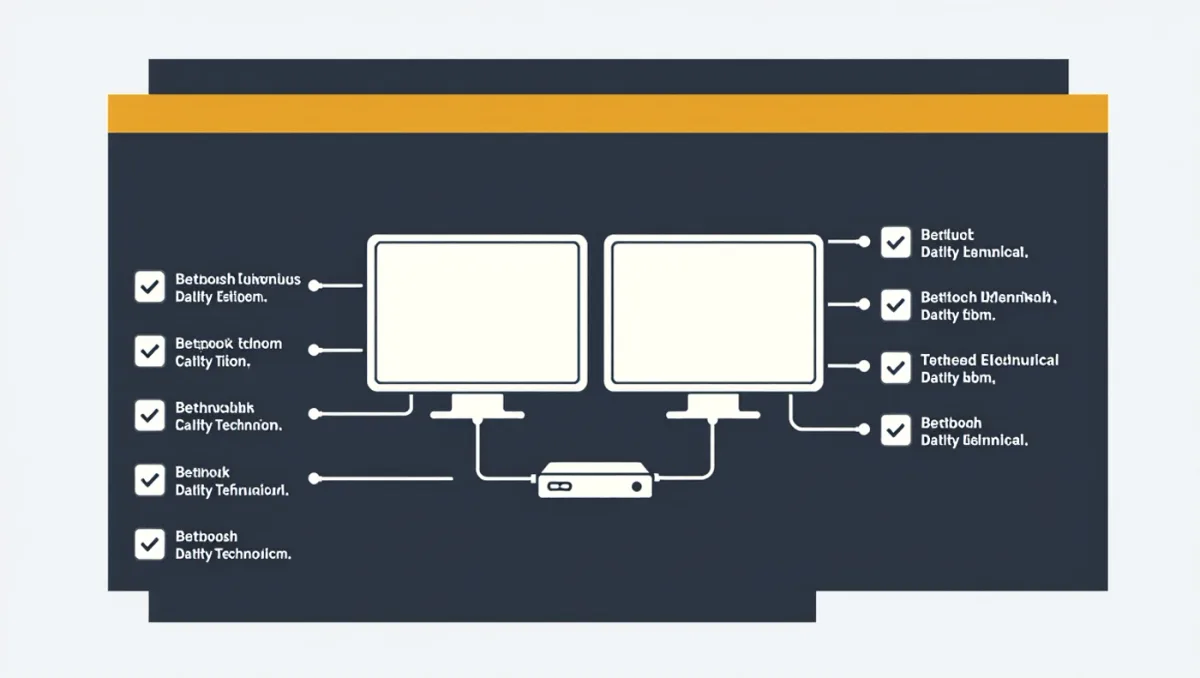
Four, and each is a separate checkbox. Bandwidth for 4K 120, as above. VRR: consoles implement HDMI Forum VRR, and monitor support is inconsistent — per manufacturer documentation, many gaming monitors implement VRR over DisplayPort (Adaptive-Sync) but not over HDMI, which leaves a console connected over HDMI without variable refresh. ALLM, the auto game-mode switch, is rarer on monitors than TVs; without it you toggle game mode manually. HDR: console HDR output is standard, but budget monitors with edge-lit panels often produce HDR that looks worse than SDR — check the monitor's actual peak brightness figure, where 400 nits is the minimum that reads as real HDR and 600 or more is worth having.
What panel size and type suit a console?
Consoles target a couch-distance TV experience, which changes the calculus versus PC monitors. At 4K resolution, a 27-inch monitor presents the same number of pixels as a 55-inch TV in a third of the area — excellent sharpness at desk distance, arguably wasted at couch distance, where a 32-inch or larger panel fills more of the view. Panel technology matters more than size: per display reviewers' measurements, OLED monitors (LG's WOLED and Samsung's QD-OLED panels, sold by LG, ASUS, MSI and others) deliver per-pixel contrast and instant response that no LCD matches, with the burn-in tradeoffs that deserve their own analysis. Fast IPS panels remain the sensible LCD choice — 1 ms-class response, 144 Hz or higher, reasonable prices.
What about resolution — is 4K necessary?
For a PS5 Pro, mostly yes: PSSR upscaling targets 4K output, per Sony's technical materials, and a 1440p monitor forces the console into a lower output mode where some of the Pro's advantage evaporates. For a base PS5 or Series S, 1440p is a legitimate budget pick — both consoles output 1440p natively following their respective firmware updates, and games render well at that density on 27-inch panels. The rule of thumb: match the monitor to the console's realistic output, not its maximum — a Series S does not benefit from any 4K 120 feature set.
What do 120 Hz-capable monitors cost now?
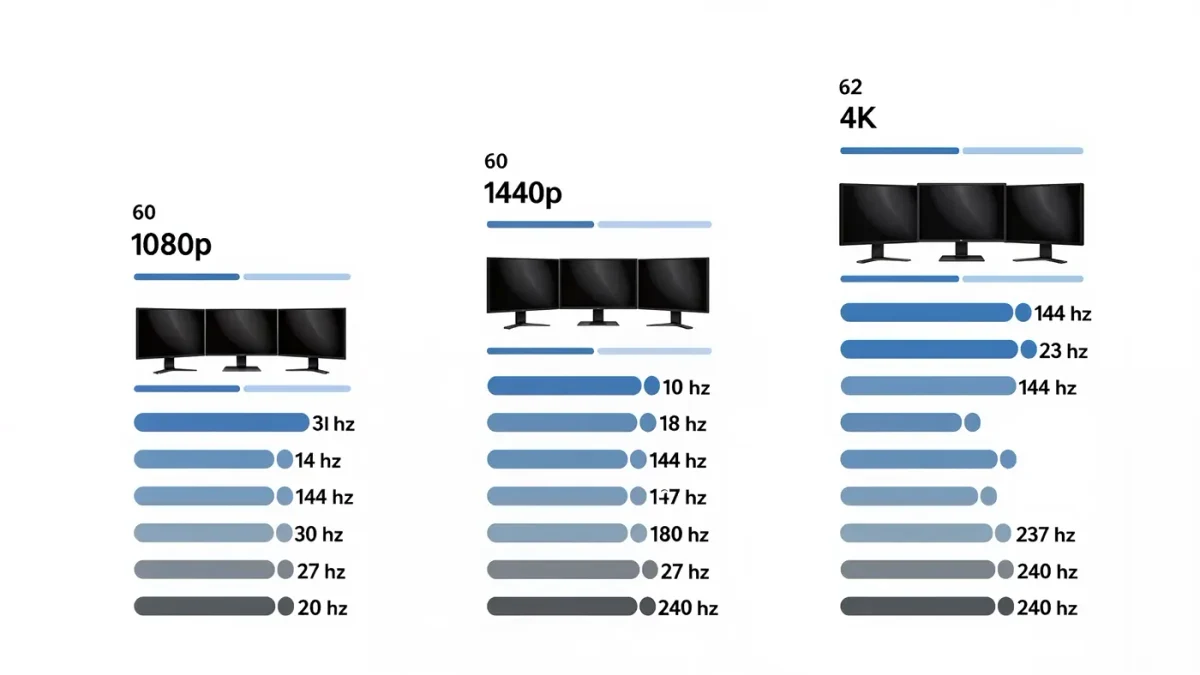
The floor has dropped fast. Per retailer listings through 2025, 27-inch 4K 144 Hz HDMI 2.1 monitors from mainstream brands settled in the $400-600 range, with fast 4K OLED monitors starting near $700-800 and premium 32-inch 4K 240 Hz OLEDs above $1,000. Console-focused buyers do not need the top tier: the practical sweet spot is any 4K monitor with a documented 48 Gbps HDMI input at 120 Hz, HDMI VRR confirmed, for under $600. Everything above that is PC-first territory the console cannot fully exploit.
Can a monitor and a TV coexist in one setup?
Yes, and the split is more natural than it sounds. HDMI 2.1 TVs handle the couch-and-blockbuster half of console gaming, while a monitor serves the competitive and PC-shared half — and both machines accept hot-swapping between outputs, with the console remembering per-display settings. The workflow that works: name the two outputs in the console's video settings, verify 4K 120 detection on each during setup, and expect one manual toggle when switching, since ALLM resets per input. The one hardware caution is audio: monitors with weak speakers or none at all need a headphone jack, USB audio, or an HDMI audio extractor — check for a headphone output in the monitor's spec sheet before assuming your headset plan survives the transition.
Verdict
Check in this order: 48 Gbps HDMI input with documented 4K 120; HDMI VRR support; real HDR brightness above 400 nits; then panel size for your seating distance. A monitor that passes the first two is a genuine console display; one that fails them is a PC monitor wearing a gaming label. And before any purchase, confirm the cable — the Ultra High Speed HDMI cable in the console box is certified for the full bandwidth, while random drawer cables are the most common cause of a missing 120 Hz option.