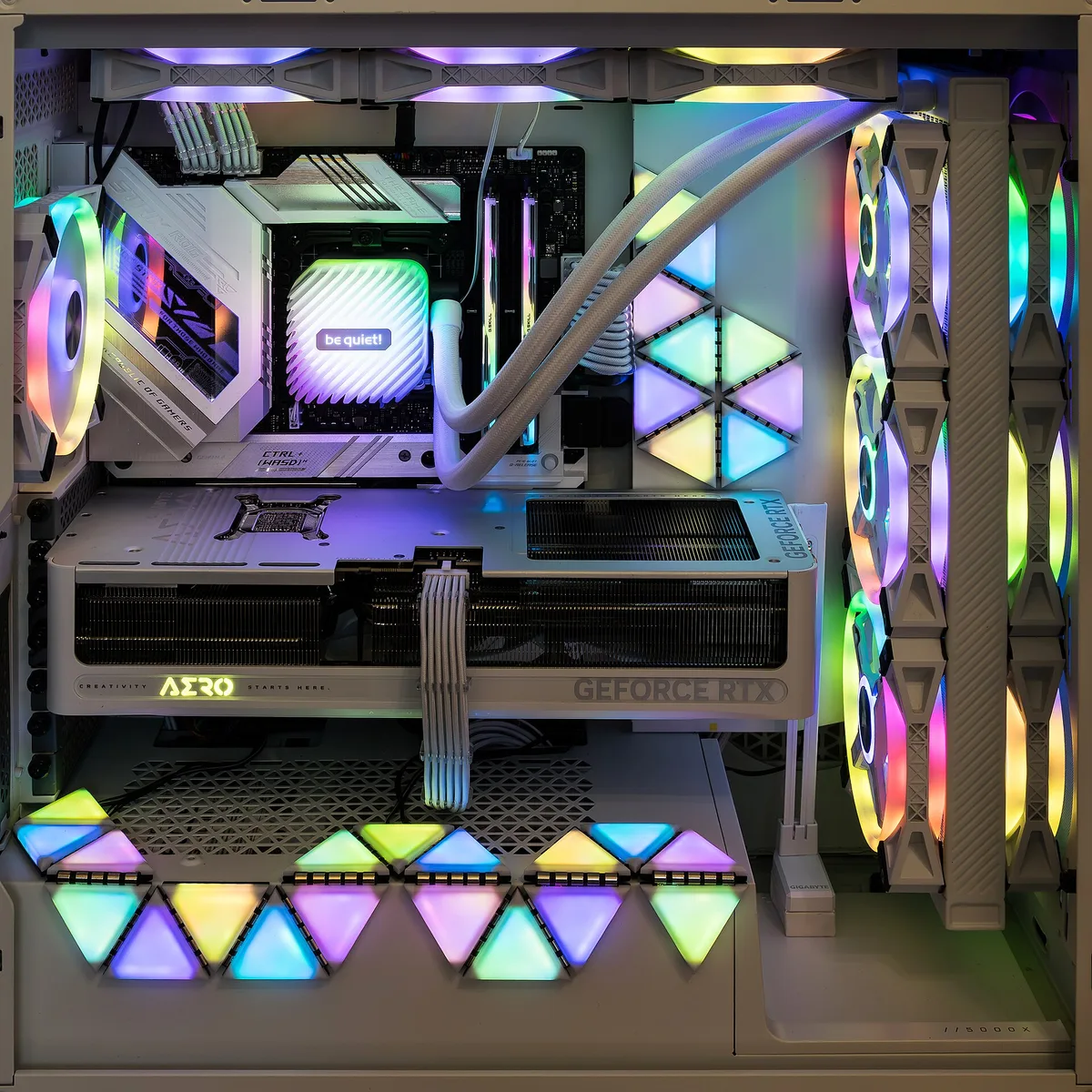
The RTX 5090 GPU is NVIDIA's current flagship, built on the Blackwell architecture with fourth-gen RT cores and fifth-gen Tensor cores. It targets 4K gaming at maximum settings, and it leans hard on DLSS features that generate extra frames. It is the fastest card in the lineup, and also the one most buyers don't need.
Here's the honest framing up front. NVIDIA's own materials position the 5090 around path tracing and neural rendering at 4K, with DLSS generating up to five frames per rendered frame in its Multi Frame Generation mode. That's the vendor's pitch, and it's a real capability. But if your monitor tops out at 60Hz, or you play competitive shooters at lower resolutions, most of that headroom buys you nothing.
This guide walks through what the card actually is, what the marketing numbers do and don't promise, and how to decide whether the flagship tier makes sense for your rig. If you're starting from scratch, our hardware section covers the rest of the decision chain, from monitors to power supplies. We covered a connected angle in PC Cooling, Air vs Liquid: When Water Actually Earns Its Price.
What is the RTX 5090, in plain terms?
It's the top card in NVIDIA's GeForce RTX 50 Series, built on the company's Blackwell architecture. According to NVIDIA's RTX product page, the 50 Series pairs fourth-gen RT cores, which handle ray-tracing workloads, with fifth-gen Tensor cores, which accelerate the AI features behind DLSS. NVIDIA also claims over 1,000 games and applications now use RTX technologies in some form.
The practical takeaway: this is a card designed around two workloads. One is path tracing, a very demanding form of ray tracing that simulates how light actually behaves. The other is AI-assisted rendering, where the GPU renders fewer frames and the software fills in the rest.
What does DLSS actually do on this card?
DLSS is NVIDIA's family of AI rendering features, and the 50 Series introduces its most aggressive version yet. Super Resolution reconstructs a high-resolution image from a lower-resolution input, which boosts frame rates. Ray Reconstruction does similar work on lighting effects. Both have been around in earlier forms.
The new piece is Dynamic Multi Frame Generation, which NVIDIA says can generate up to five frames per rendered frame. That's the feature behind the eye-catching 4K performance demos on the 5090. It's worth understanding what that means: some of the frames you see are not rendered by the game engine in the traditional sense. They're predictions, generated from existing frames.
Generated frames can look smooth and still feel slightly laggy, because input latency depends on the frames your clicks and keystrokes actually drive. For slow-paced single-player games at 4K, most players won't notice. For fast competitive play, rendered frames still matter more than generated ones.
Is the "4K, max settings" claim the whole story?
NVIDIA's performance demonstrations for the 5090, per its own product page, are run at 4K with max settings, ray tracing overdrive, and DLSS Multi Frame Generation enabled. That's a legitimate configuration, but it's the best possible case for the card, not a typical one.
Two things to keep in mind when you see headline frame rates. First, they usually assume DLSS upscaling is on, meaning the card isn't rendering at native 4K. Second, they assume frame generation is on, which multiplies the number but not the raw rendering speed. Neither is a trick. Both are features you'd plausibly use. Just don't compare those numbers against another card running native rendering, because you'd be comparing different jobs.
If you're shopping for a screen to match, our guide to 4K at 144 Hz gaming breaks down what that refresh rate actually demands from a GPU.
Who should actually buy a 5090 GPU?
Our analysis: the 5090 makes sense for a narrow group, and the honest answer for most readers is a cheaper 50 Series card or a used previous-generation flagship.
- 4K path-tracing enthusiasts. If you want maximum settings with full ray tracing on a 4K high-refresh display, this is the tier built for it.
- Creators with GPU-heavy workloads. Rendering, 3D work, and AI tooling scale with top-tier hardware in ways gaming doesn't.
- Future-proofers with the budget. If the price doesn't sting and you keep cards for many years, the headroom argument is at least coherent.
Who should skip it? Anyone gaming at 1440p or below, anyone whose monitor caps at 60Hz, and anyone who would have to stretch the budget to get there. A mid-range card plus a better monitor is usually the stronger upgrade. And if you're pairing a hot flagship with a modest case, plan the cooling carefully — our air vs liquid cooling guide covers when extra cooling earns its cost. For related coverage, see 4K at 144 Hz: What It Actually Takes to Run, and Who Should Still Skip It.
What about price and availability?
Flagship cards in this class sit at the top of the price ladder, and real-world street prices have historically drifted above list during launch periods when stock is thin. We won't quote a number the evidence in front of us doesn't support. Check current retail listings before you plan a build around one, and treat any "from" price as a starting point rather than a promise.
Availability is the other friction point. Flagship launches tend to sell through quickly, and scalper markups show up in the first weeks. If you're not in a hurry, waiting for steady stock is usually the cheaper path. There's no shame in it — the card will still be fast in six months.
The bottom line on the RTX 5090
The 5090 is a genuine flagship: Blackwell architecture, fourth-gen RT cores, fifth-gen Tensor cores, and DLSS features that can multiply frame output at 4K. NVIDIA's own claims back all of that. What the evidence doesn't establish is that most gamers need it. If you play at 4K with path tracing on a high-refresh screen, it's the tool for the job. If you don't, the smart money sits one or two tiers down — and your frames per dollar will thank you.