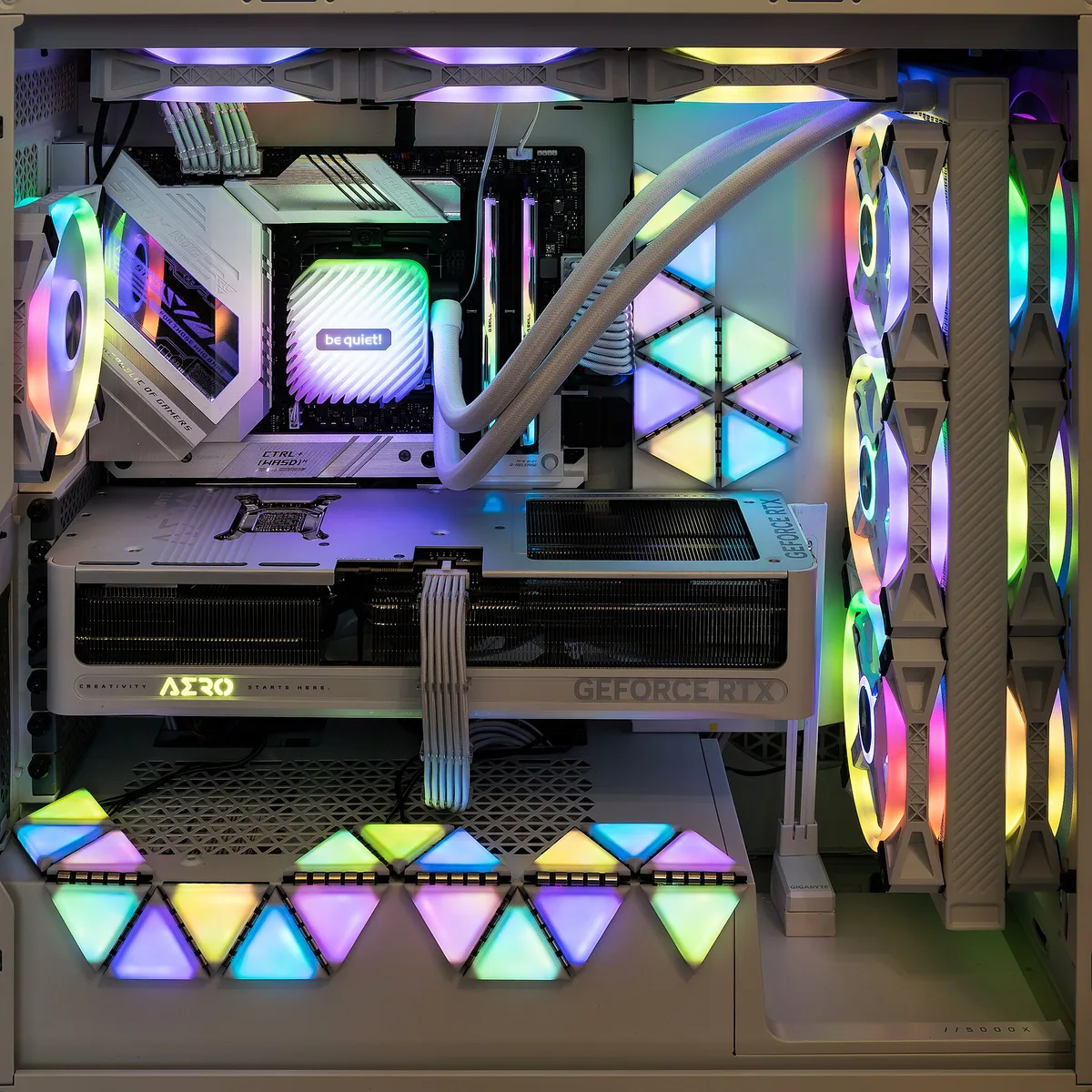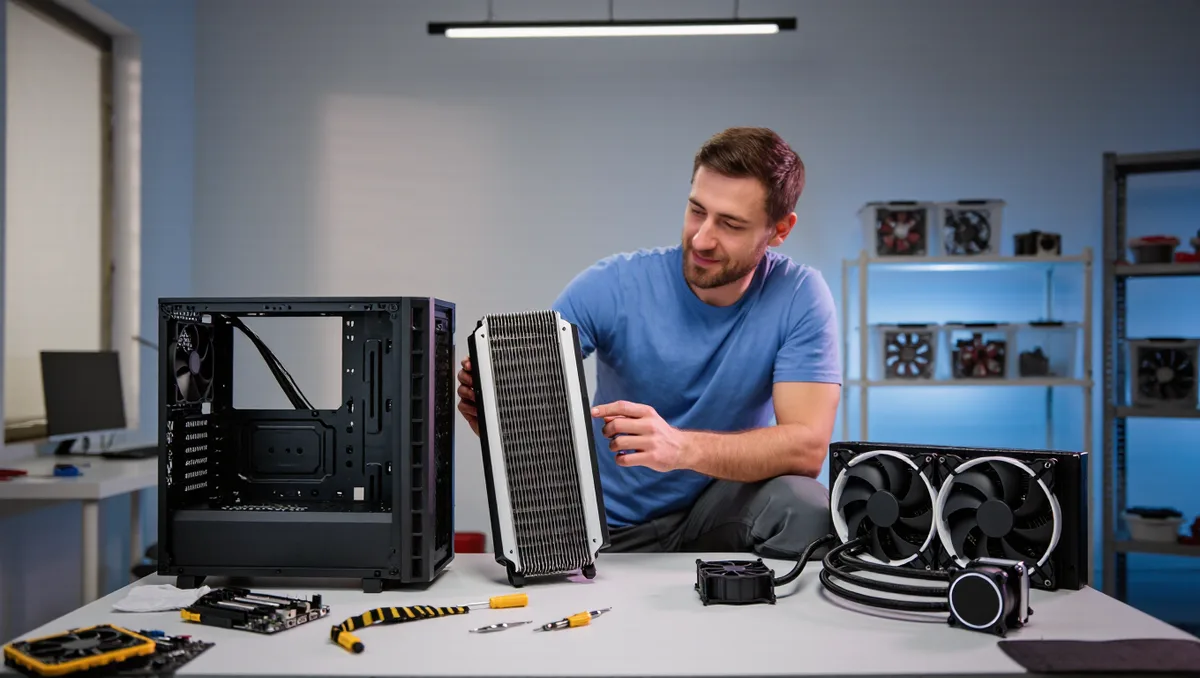
For most gaming PCs, a good air cooler is the better buy. It costs less, lasts longer, and cools a modern CPU about as well as an all-in-one liquid loop. Liquid earns its price in a narrow set of cases: small cases with bad airflow, very hot flagship chips, and builds where you want the cooler moved out of the way of tall memory or a huge graphics card.
The marketing pulls the other way. Liquid cooling gets photographed with glass panels and RGB, and it reads as the serious option. But the physics underneath both choices is the same: move heat from the chip to a metal surface, then move that heat into air leaving the case. As Wikipedia's overview of cooling notes, cooling is simply the removal of heat, done through conduction, convection or radiation, and computer cooling is just one entry on a list that runs from heat sinks to heat pipes to industrial cooling towers.
That framing matters. Once you see both coolers as heat movers rather than competing technologies, the choice gets boring in a useful way. It comes down to surface area, airflow, noise, and what can fail.
How air cooling actually works
An air cooler is a block of metal with fins, pressed against the CPU, with fans pushing air through the fins. The heat travels into the metal, the air carries it away, and your case fans push it out the back. That is the whole system. Many designs also use heat pipes, sealed tubes that move heat quickly from the base plate up into the fin stack, a trick borrowed from laptop and aerospace engineering.
The strengths follow from the simplicity. There is no pump to fail, no liquid to slowly permeate through tubing, and no radiator taking up mounting space. A quality air cooler often outlives the CPU it cools, and you can usually replace just the fan when it wears out or starts rattling. Price is the other strength: a well-reviewed tower cooler typically costs a fraction of a comparable liquid setup.
The trade-offs are real, though. Big towers are heavy, and most manufacturers ask you to attach a backplate behind the motherboard, which means either installing the cooler before the board goes into the case or pulling the board back out later. Tall fin stacks can collide with tall memory sticks or block a RAM slot. And a large cooler adds weight the motherboard socket has to carry, which matters if you ever move the PC.
How liquid cooling actually works
An all-in-one liquid cooler, usually called an AIO, is a sealed loop. A cold plate sits on the CPU. Liquid flows through a tube to a radiator, fans push air through that radiator, and a small pump keeps the liquid moving. The liquid absorbs heat at the chip and releases it through the radiator fins, exactly the way a car radiator works.
The advantage is placement. The heat-exchanging surface moves to a radiator mounted on the case, which frees the area around the CPU socket. That helps with tall memory, tight cases, and clearance for oversized graphics cards. A big radiator also holds a lot of thermal mass, so temperatures climb slowly during long sessions. And in small cases where a tall tower cooler simply does not fit, a low-profile pump block plus a top-mounted radiator can be the only workable layout.
The costs sit in the details. You now have a pump, and pump noise is a high-pitched whine some people find more annoying than fan noise. Tubes have a bend radius and can fight you during installation. Sealed loops do not last forever; over years, a little liquid slowly escapes through the tubing, and performance drifts. If the pump dies, you have no useful cooler until you replace the whole unit. The 'up to' claims on cooling capacity are the vendor's, and real results depend on the radiator, the fans and your case airflow.
Does liquid cooling make your PC run cooler?
Not automatically, and this is the myth worth busting. A cooler does not remove heat from your room. It moves heat from the chip into your case air, and your case fans move it out. Every watt your CPU burns ends up in the room either way. What a better cooler changes is the temperature gap between the chip and the air, and how quietly it maintains that gap.
Two things decide real-world results more than the air-versus-liquid question. First, the cooler's actual capacity versus your chip's heat output: a mid-range CPU that sips power is easy duty for almost anything. Second, airflow through the case. A liquid cooler with a choked-off radiator and stagnant case air can run warmer than a modest air cooler in a case with clean front-to-back airflow. If you are sorting out the rest of the airflow picture, our guide to RGB, fans and cable management covers how layout and clutter shape temperatures. This connects to our earlier piece, RGB, Fans, and Cable Chaos: Building a Clean Gaming Rig.
So the honest answer: a top-tier liquid cooler can hold the very hottest chips at lower temperatures than a top-tier air cooler, at the top of the performance envelope. Below that envelope, the difference shrinks to a few degrees and a quieter or louder fan curve.
What this means for your build
Our analysis, reading the mechanics rather than the spec sheets: start from your case and your chip, not from the cooler aisle.
- Choose air if you have a standard mid-tower case, a mainstream CPU, and you want the cheapest reliable option with the fewest failure points. This describes most gaming builds.
- Choose liquid if your case fits only a low-profile cooler, if you run a hot flagship chip for long sessions, or if clearance around the socket matters for memory or a bulky GPU.
- Check the fit either way. Air coolers list a height clearance; liquid coolers list radiator sizes and mounting points. Match both against your case before buying, not after.
- Do not buy cooling you cannot hear the benefit of. If your current temperatures are fine and the fans are quiet, an upgrade buys you looks, not performance.
One friction note from the practical side of things: air coolers are easier to troubleshoot. When a fan fails, you hear it, and you swap a fan. When a pump fails quietly, the first symptom is thermal throttling mid-game, which is a worse way to find out.
Should console players care about any of this?
Not directly, but the lesson transfers. Consoles are sealed air-cooled systems, and their cooling problems are almost always airflow and dust problems, not cooling-technology problems. The same logic applies: clear the vents, keep the intake path open, and the stock cooling does its job. If your console rather than your PC is the loud one, our guide to console noise and heat walks through what actually helps. And if you are weighing the whole hardware picture rather than one part, the hardware hub collects our coverage on monitors, storage and peripherals. Readers following this should also see Your Console Is Loud and Hot: What Actually Helps, and What Damages It.
What the evidence here establishes is modest and useful: both approaches move heat the same way, liquid wins on clearance and peak capacity, air wins on price, longevity and simplicity. What remains unknown for any specific build is your case's airflow and your chip's heat output, and those two numbers will settle the question faster than any general rule.