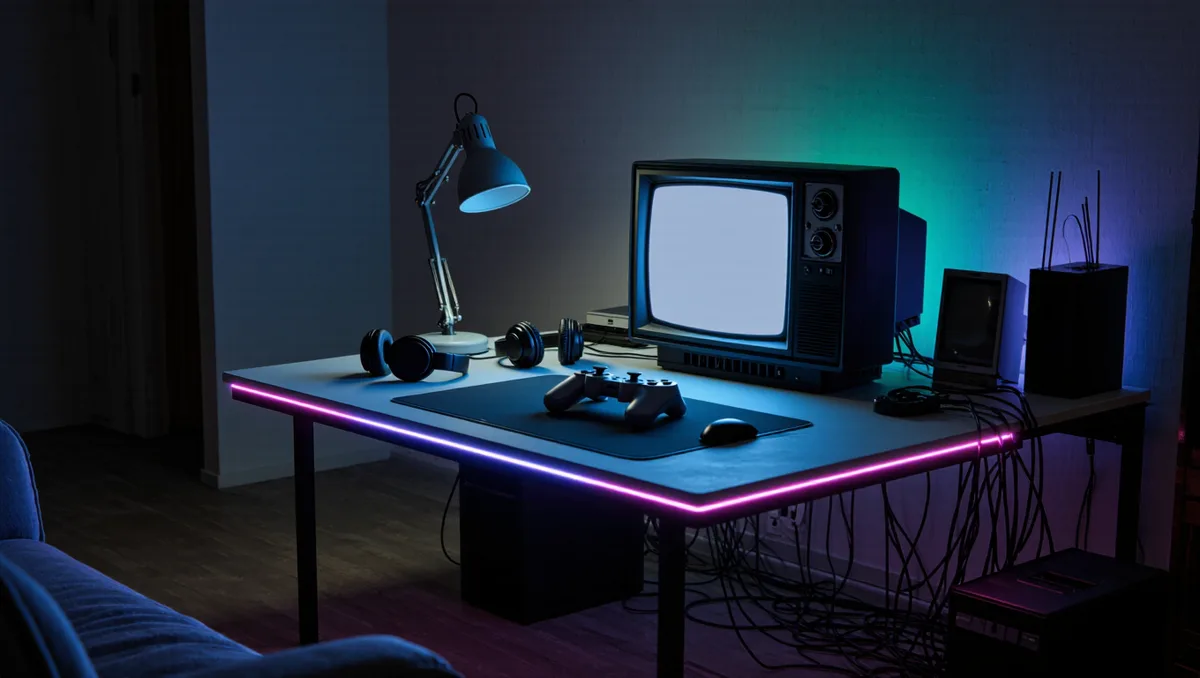
The best furniture for a gaming console setup is a media cabinet or console table with open ventilation, enough depth for the machine plus its cables, and a back panel you can cut or route cables through. A sealed wooden TV stand with a closed back is the worst common choice, because modern consoles dump heat out the sides and rear and need somewhere for it to go.
What counts as "best" here is not a brand, it is a fit test. As the Britannica Dictionary puts it, best means most appropriate, useful or helpful for the situation, not simply most expensive. A cabinet that passes the fit test for a slim digital-edition console may fail it for a full-size disc model with an external drive bolted on.
This guide walks through the furniture types that work, the placement mistakes that cook a console, and the cable habits that keep the back of your TV from turning into a nest. It covers living-room setups, dedicated gaming rooms and small spaces. For the display half of the equation, see our guide to PS5 TV Settings That Matter: Getting 120 Hz, VRR and Low Latency Right. Readers following this should also see PS5 TV Settings That Matter: Getting 120 Hz, VRR and Low Latency Right.
What makes a cabinet safe for a console?
Airflow first. Consoles pull cool air in through the front or sides and push hot air out the back. A shelf with at least a few centimetres of clear space above and behind the machine lets that cycle work. A shelf that hugs the console on three sides traps the exhaust and recirculates it, which makes the fans spin harder and louder.
Look for these features when you shop:
- Open-back or cut-out back panels. Many media cabinets ship with a removable or pre-cut rear section. If the one you like has a solid back, check that you can cut a hole without ruining it.
- Vented or slatted doors. Glass and slatted wood both pass more air than solid panels. Solid doors are fine if the shelf itself stays open behind the console.
- Adjustable shelf height. Consoles vary in height, and a vertical-standing machine needs much more clearance than one lying flat. Adjustable pins let the shelf grow with your next console.
- Depth. A cabinet that fits your TV stand's footprint is useless if the console sticks out the front or the plug bar sits behind it. Measure the machine, then add room for the power brick and HDMI bend radius.
One detail other coverage skips: the power brick matters as much as the console. Some external power supplies run hot on their own, and a brick wedged between two shelves with no gap becomes its own little furnace. Give the brick the same clearance you give the machine.
Which furniture types work, and which don't?
Open media consoles. The default good answer. Open shelving under the TV means no door in front of the exhaust, no drilling, and easy access to the power button. The trade-off is dust and visible cables, both solvable with a cable raceway and a monthly wipe-down.
Vented cabinets with doors. The tidy answer. These look like furniture rather than a rack, and good ones have ventilation slots, grommets and a removable back. Check the vent placement before buying: a vent on the side does nothing if your console exhausts straight back into a solid panel.
Wall-mounted shelves and floating units. The small-space answer. A floating shelf under a wall-mounted TV keeps the console in open air and shortens every cable run. Weight rating is the thing to verify, since a shelf that sags under a console plus a soundbar is a slow-motion problem.
Dedicated AV racks. The enthusiast answer. Open-frame racks give the best airflow of anything on this list and make cable changes painless. They look like studio equipment, which some rooms can carry and some cannot.
What to avoid. Enclosed bookshelf cubbies, cabinets with solid backs and no cut-outs, and any shelf where the console sits directly on carpet. Carpet blocks intake vents on the underside of some machines and holds lint against them. If the console must live low, a hard pad or a small riser under it restores the airflow.
Does placement inside the cabinet matter as much as the cabinet itself?
Yes, sometimes more. The same cabinet can run cool or hot depending on where the console sits in it. Put the console on the shelf with the most open air behind it, usually the lowest open shelf, and keep other heat-producing gear away from it. A receiver stacked directly above a console shares its exhaust path with the machine below, and both lose.
Practical steps for placement:
- Identify the intake vents and the exhaust vent on your specific console. They are not in the same place on every model.
- Leave clear space behind the exhaust, not just above it.
- Never stand a console on carpet, and never lay a vertical-oriented machine flat on a soft surface.
- Keep the power brick and any external drives off the same crowded shelf if you can.
- Listen after an hour of play. If the fans are noticeably louder inside the cabinet than on an open shelf, the placement is choking them.
That last step is the whole test, and it costs nothing. The machine tells you when it cannot breathe.
How do you keep the cables sane?
The back of a console setup fails in a predictable way: every new device gets its own power strip plug, its own HDMI run and its own coil of spare cable, until nothing fits behind the cabinet and the cabinet sits a hand's width off the wall. Fix it once, properly.
- One power strip inside the cabinet, mounted to the back panel or the side wall if the design allows, so device plugs stop fighting the wall outlet.
- Route HDMI and power on separate sides of the cabinet interior where you can. It reduces interference headaches and makes future swaps easier.
- Label both ends of every cable. A strip of tape and a pen beats crawling behind the TV at midnight.
- Coil spare cable loosely and velcro it, rather than knotting it. Tight coils of power cable are the classic mistake.
If storage expansion is part of your plan, measure for it now. An external drive or a storage add-on needs a powered spot in the same cabinet, and our Xbox Series S Storage Expansion guide covers what fits where on that platform.
What about small spaces and dedicated gaming rooms?
In a small room, the wall is your friend. A wall-mounted TV with a floating shelf or two below it gives you the airflow of open shelving at the footprint of a picture frame. Corner setups are the hardest: corner TV units often hide the console behind two solid panels at once, so check the back access before buying one.
In a dedicated gaming room, furniture choice loosens up. An open rack or a sturdy shelving unit works, and comfort furniture takes priority: a chair you can sit in for hours matters more than a matching cabinet. If the room also holds a fight stick, a fight pad collection or a retro machine collection, plan shelf depth for the largest item in the collection, not the average one. Our Retro section covers preservation-minded storage for older hardware, and the Hardware hub tracks the peripherals that end up sharing that shelf.
For handheld players, the furniture question mostly disappears, which is part of the appeal. Our comparison of the Switch 2, Steam Deck and ROG Ally covers machines that live on a nightstand and a charger rather than in a cabinet. This connects to our earlier piece, Switch 2 vs Steam Deck vs ROG Ally: Which Handheld Actually Fits Your Library?.
Practical takeaways
The evidence for a good setup is quiet fans, a console you can reach without moving furniture, and a back panel you can work behind without a flashlight and a prayer. Buy for airflow and depth first, looks second. Cut the back panel if you have to. Give the power brick room. And when you finish a long session, put a hand near the exhaust: warm is normal, and a blast furnace means the furniture is winning.
Nothing here requires a specific brand or a big budget. The mechanics respect your time when the furniture does.