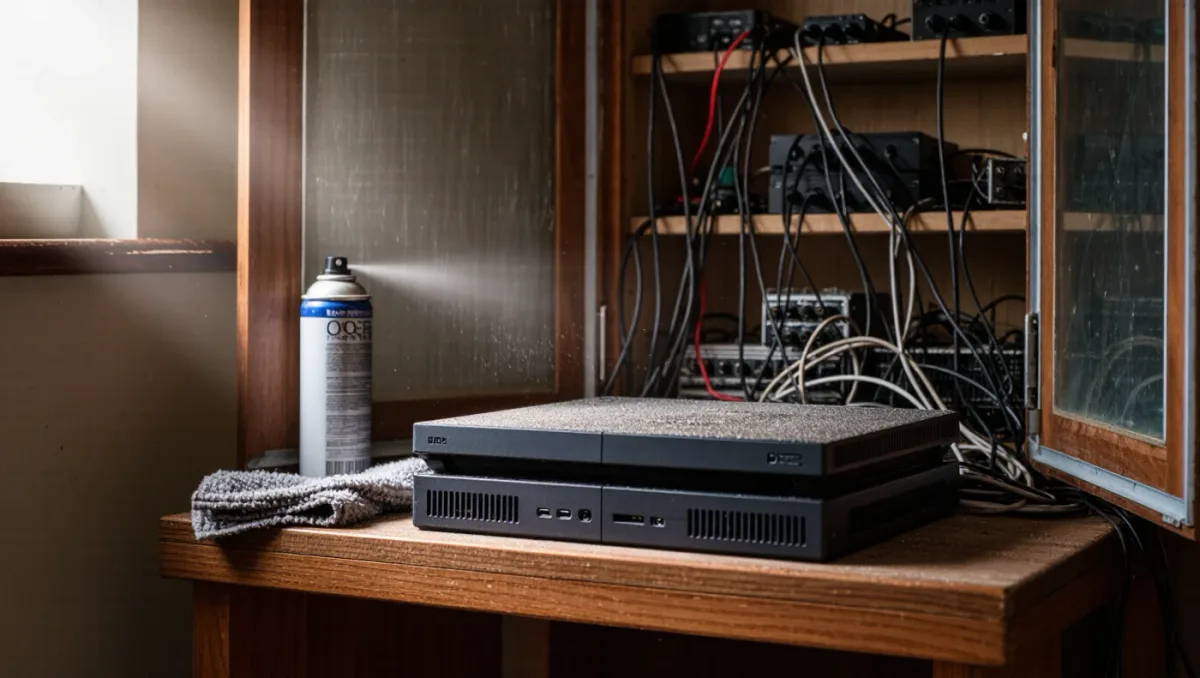
Every console generation produces the same complaints in a new chassis: the fan roars during demanding games, the case radiates heat, and a search for solutions returns everything from compressed air to vacuum attachments to third-party cooling stands with rainbow LEDs. Manufacturers design consoles to run hot by desktop-PC standards — Sony and Microsoft specify operating ranges up to 35 degrees Celsius ambient per their support documentation, and thermal throttling, not damage, is the design's failure mode. The practical question is not how to cool a console to PC standards but how to restore the airflow its engineers planned for. Most of the work is placement, dust and expectations.
Why do consoles run loud in the first place?
A console is a small box dissipating a desktop graphics card's heat through one or two slow-spinning fans. The PS5, per Sony's teardown presentations, uses a 120 mm fan and a liquid-metal thermal interface on its APU chosen specifically for acoustic performance; the Xbox Series X channels airflow through a single 130 mm fan in a vertical chimney design per Microsoft's teardown. When these systems grow loud, the usual causes are, in order of likelihood: dust loading the heatsink fins, restricted intake or exhaust clearance, high ambient room temperature, and sustained workloads the fan curve was tuned to treat as worst-case. The fan is doing its job — the question is why its job got harder.
Does placement really matter that much?
It is the single biggest lever. Consoles need clearance: Sony's setup guide calls for open space around the PS5's vents, and Microsoft's documentation similarly specifies ventilation room around the Series X. The classic violations — console inside a closed cabinet, back panel flush against a wall, carpet blocking bottom intakes, other devices stacking heat into the same airspace — can raise intake air temperature by several degrees, which the fan answers with hundreds of extra RPM. The fixes are free: move the console out of the cabinet or add active cabinet ventilation, keep 10 centimeters or more behind the exhaust, stand vertical where the design prefers it, and hard surfaces over carpet. Owners of enclosed-media-room setups may also need a quiet cabinet fan pushing room air through, a $20-40 fix that outperforms any console accessory.
What about cleaning, and how do you do it safely?
Dust on heatsink fins acts as insulation, and per teardowns published by repair channels, loaded fins are the leading cause of rising fan noise in two- and three-year-old consoles. Safe cleaning: power off and unplug, use compressed air in short bursts through the vents to dislodge dust from the heatsink, and hold the fan still with a finger or toothpick so bursts do not overspin its bearing — free-spinning a fan past its rated speed with air pressure can damage it. Avoid vacuum nozzles touching components (static risk) and avoid opening the chassis, which on PlayStation machines voids warranty terms and, on some models, requires removing the power supply to reach the fan — a job for warranty service or experienced hands. Two vent-cleaning passes a year keep the fan curve honest.
Do cooling stands and attachments work?
Honest verdicts per category. External cooling fans that clip onto or sit under a console add noise while contributing little — they move room-temperature air that the console's own fan was already moving, and their measurements in independent testing rarely show meaningful temperature drops. Vertical stands without fans are fine as geometry — they improve clearance and cable management without touching thermals. What actually helps: nothing attached to the console at all, but rather the room it lives in. The money a cooling stand costs buys more if spent on a cabinet ventilation fan, a surge-capable power strip with spacing, or simply relocating the machine.
How much noise is normal, in numbers?
Context helps calibrate expectations. Per acoustic measurements published by hardware reviewers at launch, a PS5 or Xbox Series X under full gaming load typically registers in the mid-40s of decibels at one meter — comparable to a quiet library, distinctly audible but unobtrusive — while loaded cabinets or dusty units can climb past 55 dB, a level that competes with dialogue. The difference between those figures is not the hardware; it is airflow. A useful home test without a meter: during a demanding game, place a hand near the exhaust. Strong, warm, steady airflow means the system is healthy and the noise is load; weak or pulsing airflow with loud fan noise means the intake path is obstructed somewhere the hand test will help you find. Ten minutes of diagnosis usually beats an hour of accessory shopping.
When is noise a fault, not a condition?
Three signatures distinguish a problem from a demanding game. A rhythmic clicking or grinding suggests a failing fan bearing or a cable touching the fan blades — service territory. A jet-engine ramp during trivial tasks (menus, streaming apps) suggests the console believes it is overheating, usually from dust or a blocked sensor. And sudden shutdowns during games indicate thermal protection tripping, which placement and cleaning fix in most cases but which can also signal dried thermal interface on aging units. Consoles outside their warranty with years of heavy use can be professionally re-pasted; per repair-shop practice, that restores acoustic headroom on machines whose interface material has hardened.
Verdict
Consoles are engineered to be loud only when something is wrong or the workload is real. Give the box its clearance, clean the vents twice a year, skip the LED cooling gadgets, and reserve service for grinding fans and thermal shutdowns. A PS5 or Series X with free airflow in a 22-degree room is, per its engineers' design targets, a quiet machine — and every step toward that state costs less than any accessory promising it.