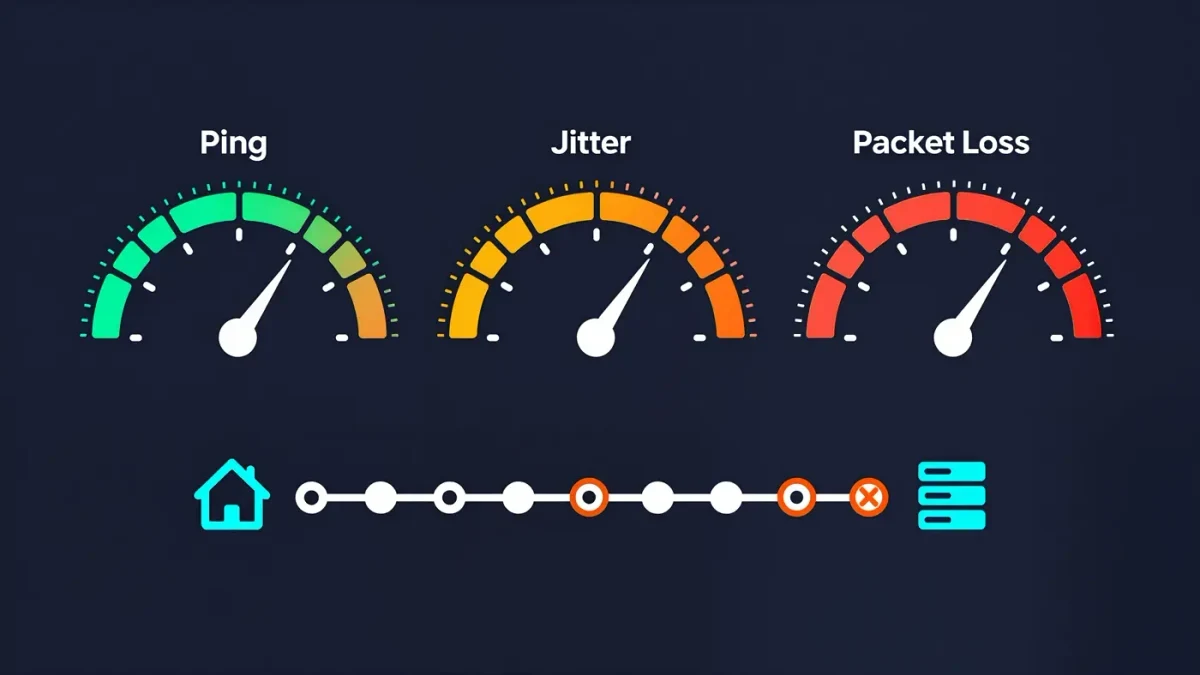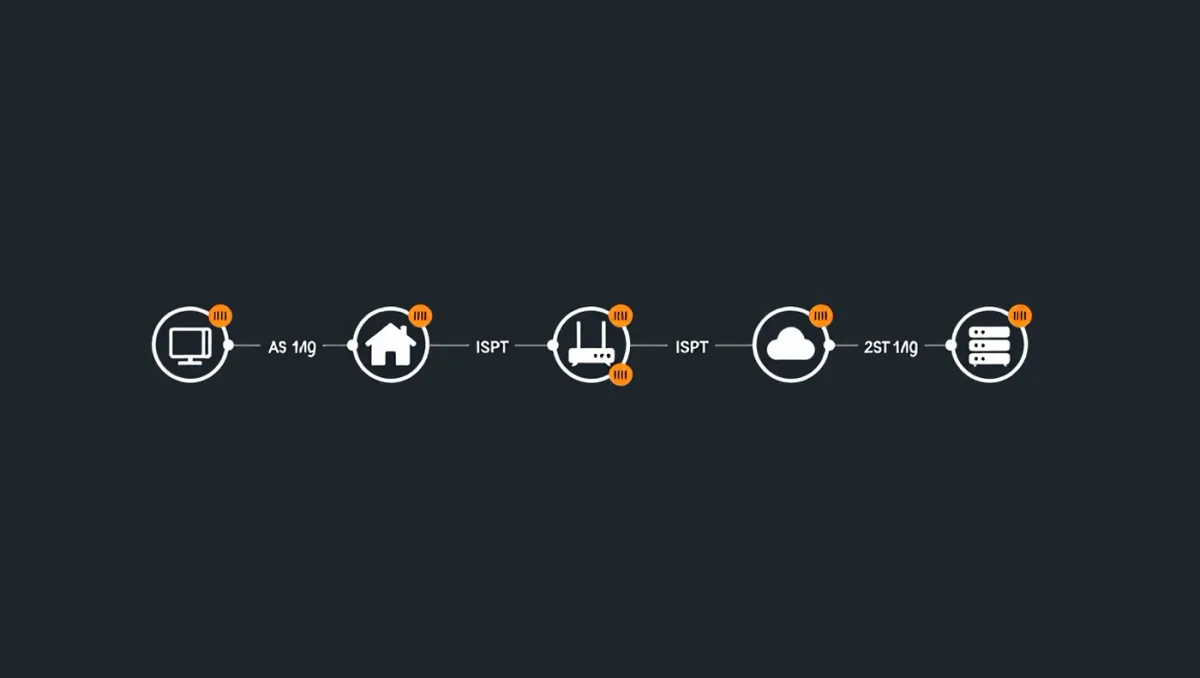
Gaming-router marketing promises victory in a box, with antennas and RGB to match. The physics is less generous: ping is the round-trip time of packets between you and a game server, and per network engineering fundamentals it is dominated by distance-driven propagation delay, the number of router hops between you and the server, and queuing delay inside your own network. Hardware cannot shorten the first two. The third — congestion inside your home network, where a download or a sibling's stream queues up your game packets — is where real milliseconds hide, and reclaiming them costs configuration time rather than money.
Why does a wired connection beat Wi-Fi every time?
Ethernet removes an entire category of delay and loss. Per Wi-Fi standards' own design, the air is shared and half-duplex: devices wait for clear air, retry on collision, and renegotiate rates as signal fluctuates. Under quiet conditions Wi-Fi 6 or 7 adds a few milliseconds; under load — any other device transferring data — wireless queuing adds tens of milliseconds and, worse, jitter, the variance that makes hit registration feel random even when average ping looks fine. Competitive play on Wi-Fi is not impossible, but every serious comparison, including measurements published by esports organizations' own network guidance, shows wired connections reducing both latency and variance. A $10 cable is the highest-yield purchase in this entire field.
What is bufferbloat, and is it your real problem?
Bufferbloat is the modern diagnosis for the classic 'my ping explodes when someone uploads' complaint. Routers default to large buffers that hold packets during congestion; a single large upload — cloud backup, video call, game update — fills them, and game packets wait behind megabytes of queued data. Test it: run the Waveform bufferbloat test (or DSL Reports' equivalent) while idle and again during an upload. Grades of C or worse mean your router is queuing badly. The fix, per the OpenWrt and router-vendor documentation increasingly standard on mid-range and gaming routers, is Smart Queue Management — CAKE or FQ-CoDel algorithms — enabled at a bandwidth cap set 5-10 percent below your real speeds. Properly configured SQM routinely removes most of the latency spike under load, a result documented across the bufferbloat community's published tests.
Which router settings matter for gaming, specifically?
A short list, once SQM is handling congestion. Enable QoS priority for your console or PC's MAC address so its packets jump queues SQM does not catch. Disable 'Wi-Fi multimedia' gimmicks and one-device 'boost' modes, which mostly re-skin QoS. Set your console's network type appropriately and enable UPnP only if you must — per platform documentation, PlayStation and Xbox both prefer NAT type 1 or Open, which port forwarding achieves more predictably than UPnP. And update the router firmware: queuing performance and driver-level latency fixes arrive in updates that few households install.
Does changing DNS lower ping?
No, and this deserves killing plainly. DNS translates names into addresses; it affects how quickly matchmaking and connections initiate, not the ping of an established game session, which uses direct IP routes. A fast public DNS resolver — Cloudflare's 1.1.1.1 or Google's 8.8.8.8, per the providers' published performance claims — can shave a moment off page loads and lobby joins, and it is harmless to set. But claims that DNS changes improve in-game latency confuse connection setup with connection quality. The same skepticism applies to 'gaming VPNs': per their own terms of service, they can only reroute traffic, occasionally improving a badly congested ISP route, more often adding a server hop and several milliseconds.
How much does router placement and hardware tier matter?
Placement matters more than tier for wireless households: central, elevated, away from microwaves and external walls, per the FCC's own consumer guidance on Wi-Fi performance, converts a weak signal — and its retry-driven latency — into a stable one. Hardware tier matters once your devices and plan exceed the router: a five-year-old router on a 500 Mbps line with a dozen devices is the classic bottleneck, and any Wi-Fi 6 replacement in the $100-150 class, which independent testing shows handling a busy household, delivers the upgrade the RGB gaming router sells at three times the price. The premium boxes buy radios you will not use and aesthetics you did not need.
What should you measure, and when?
Measure before and after every change, or you are tuning by mood. The working baseline: run a bufferbloat test idle and under load, note the idle ping, the under-load spike, and the jitter figure the test reports. Then change one thing — the cable, the SQM cap, the QoS rule — and re-test the same day, at the same hours, because ISP congestion patterns vary by evening. For in-game context, shooters and fighting games display connection quality in their own menus; a session average plus your bufferbloat numbers tells you whether the residual latency is home-side or ISP-side. And keep expectations calibrated by distance: a server 500 miles away carries physics-level delay of roughly 8-12 milliseconds each way per fiber propagation figures, so a 30 ms ping to a regional server is not a problem to fix but a floor to accept.
Verdict
The working sequence costs nothing first: wire the console or PC, run a bufferbloat test, enable SQM capped just below your line speed, prioritize your gaming device, update firmware, and reposition the router if Wi-Fi is unavoidable. That routine addresses nearly every home-side millisecond, and it makes the remaining latency visible for what it is — distance and ISP routing, which no box in your living room can shorten. Buy hardware only when the test proves the router, not the settings, is the bottleneck.