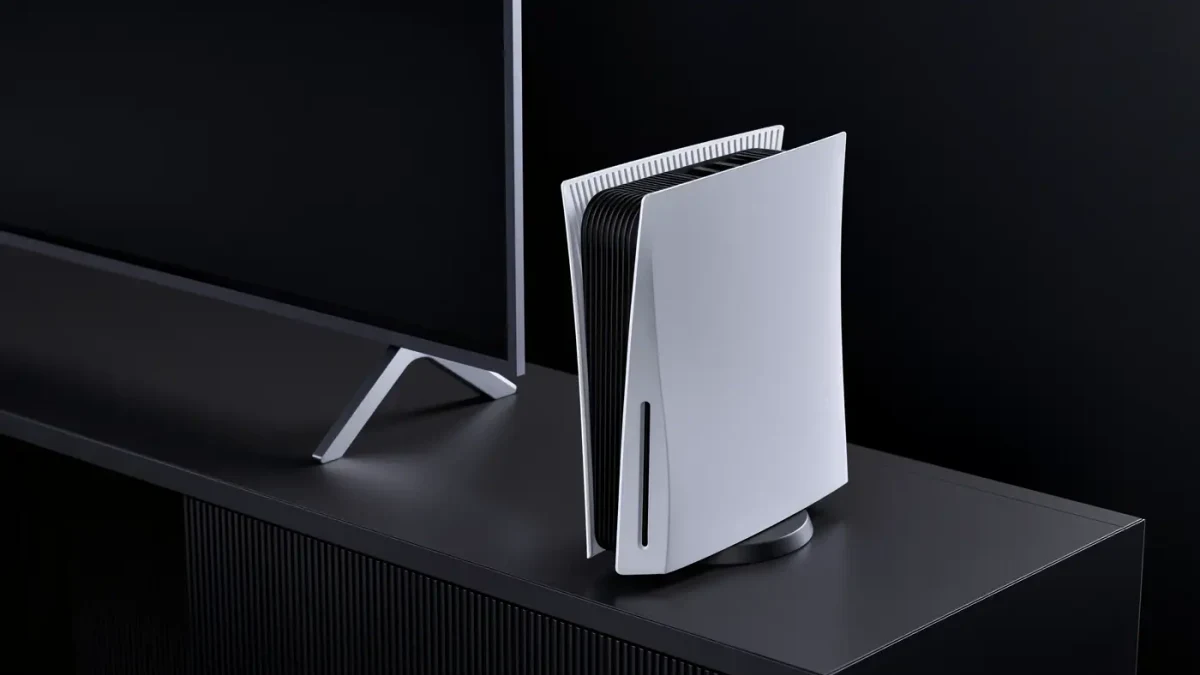
The PS5 is the rare console that treats storage as a user-serviceable part. Since Sony's firmware update in September 2021, every PS5 — original, Slim and Pro — carries a free M.2 SSD slot behind a side panel, accepting drives from 250 GB to 8 TB per Sony's published requirements. The upgrade is cheaper per gigabyte than any proprietary console expansion on the market, takes about ten minutes with a screwdriver, and carries one condition that disqualifies a large share of drives on store shelves: a minimum sequential read speed of 5,500 MB/s on the PCIe 4.0 interface. Here is how to pick a drive that qualifies and install it without surprises.
What does Sony's compatibility list actually require?
Per Sony's official support page, the requirements are specific. Interface: PCIe Gen4 x4 M.2 NVMe SSD — Gen3 drives work physically but fall below the speed floor and can deliver sub-native performance. Capacity: 250 GB minimum, 8 TB maximum (raised from the original 4 TB cap by a 2022 firmware update). Size: the drive must fit the slot's length support, commonly M.2 type 2280 at 80 mm, with total thickness including heatsink of 11.25 mm or less depending on position — Sony's diagram specifies per-side limits. Speed: 5,500 MB/s sequential read or faster, with Sony maintaining a list of tested drives that has grown to dozens of models from Samsung, WD, Crucial and Seagate. The list is guidance rather than a whitelist — drives meeting the stated specs generally work — but buying from it removes all doubt.
Do you need a heatsink?
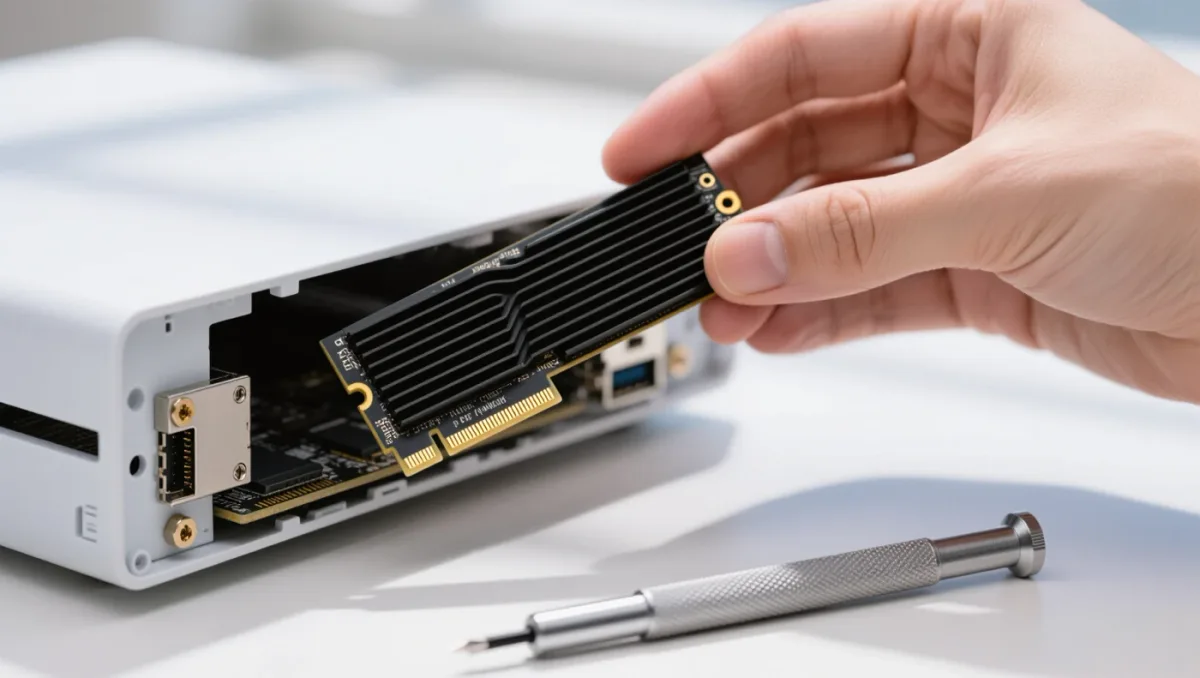
Yes, effectively. Per Sony's requirements, the slot accommodates either a drive with a factory-installed heatsink or a bare drive with a separate heatsink you attach. Thermal testing by hardware outlets at the time of the feature's launch showed drives throttling — dropping below their rated speeds — when installed without cooling during large game transfers, which is precisely the workload a console SSD lives in. The practical picks: Samsung's 980 Pro and 990 Pro with Heatsink, WD's Black SN850X with Heatsink, and Crucial's T500 with heatsink all ship console-ready within Sony's thickness limits, typically priced at a small premium over bare drives. Buying the bare version plus a $10 aftermarket heatsink works, but verify thickness against Sony's diagram; over-height coolers prevent the cover panel from closing.
How does the installation work?
Ten steps, one screwdriver. Power down the console and unplug it. On the original PS5, lift the white side panel; on the Slim and Pro, the panel release differs slightly per Sony's guides but the slot position is the same concept. Remove the expansion slot cover with the included or standard crosshead screwdriver. Loosen the single M.2 screw and its spacer, set the spacer position for your drive's length (80 mm is standard), insert the drive at an angle into the connector, press it flat, tighten the screw, reattach the cover and panel. First boot prompts you to format the drive — a two-click process — after which it appears alongside internal storage in storage settings, where you can choose where new installs land and move existing games over.
Does a second SSD change performance?
Sony's position, stated when the feature launched, is that expanded storage matches internal performance for games: the console's decompression pipeline handles games installed on the M.2 drive identically, and load-time differences between a compliant drive and the internal SSD are negligible in published testing by outlets that measured both. Two honest caveats: PS5 games run from the expansion drive exactly like internal titles, but older PS4 games on an external USB drive still follow external-drive rules; and slot performance depends on the drive maintaining rated speeds under sustained load, which is why the heatsink is not optional in practice.
What does the upgrade cost versus the alternatives?
The math favored the M.2 route from the start. Per retailer pricing through 2025, compliant 1 TB drives with heatsinks commonly sold for $80-120 on sale and 2 TB models for $150-220 — cheaper per gigabyte than Xbox's proprietary expansion cards and vastly more flexible, since the drive later migrates into a PC if you upgrade consoles. The 8 TB ceiling turns a PS5 into a no-delete machine: at typical 2026 game sizes, even a 50-game installed library leaves room to spare.
What mistakes catch first-time installers?
The same four, repeatedly. Buying a Gen3 drive because the price looks better — it installs but misses the speed floor and wastes the slot. Skipping the spacer adjustment: the slot's brass spacer screws into different positions for different drive lengths, and a drive seated without its spacer properly placed will not lock flush. Overlooking the format step: the drive is invisible to the console until formatted from the storage menu, which is instantaneous but mandatory — and formatting erases any data the drive carried from a PC. And a PS4-era habit that no longer applies: there is no need to keep games on internal storage for performance, since PS5 titles on a compliant expansion drive behave identically — move everything and treat both pools as one. None of these mistakes damage hardware; they just cost a re-open of the panel, so read the checklist once before the screwdriver comes out.
Verdict
For any PS5 owner who buys games digitally, the internal SSD upgrade is the best money-to-relief ratio in console accessories: a 1 TB heatsink drive under $100 on sale, ten minutes of careful work, and the end of the storage Tetris. Buy from Sony's tested list, respect the thickness limits, and format before you walk away — the process is forgiving, but only before the side panel goes back on.